
Too lazy to update my CV; built a CV Generator Instead
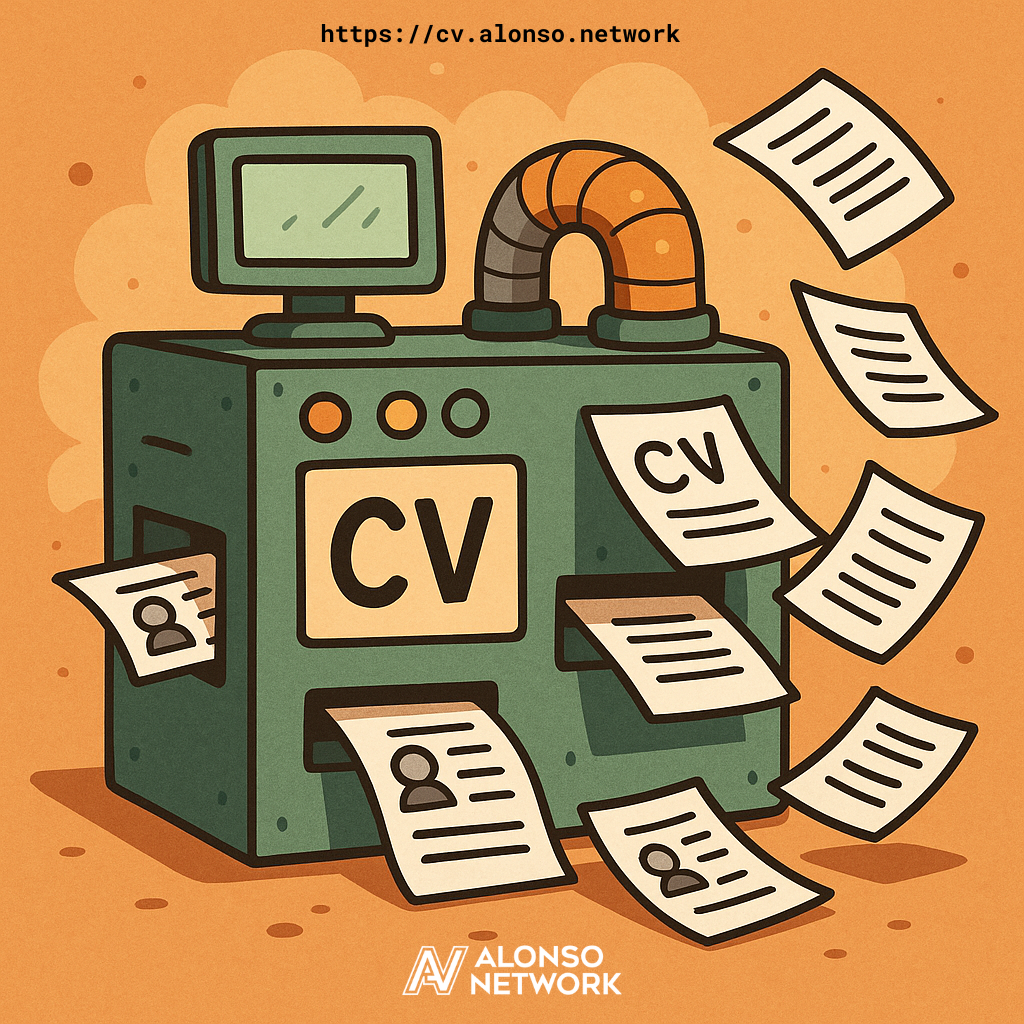
Someone asked me for my full CV the other day.
Not the polished one-pager that hiring managers pretend to read — the real one. The 12-page monster that lists everything I've actually done.
I could have opened Word and spent two hours fighting with formatting, copy-pasting job descriptions, and tailoring bullet points for yet another job posting.
You know, like a normal person.
Instead, I spent six hours building a tool that means I'll never have to do that again.
The Real Problem
Here's the reality of job hunting: you're not writing one resume — you're writing 47 versions of the same one, each tuned for whatever keywords the ATS gods demand this week.
Backend-focused? That's version 12. Frontend-heavy? Version 23. Full-stack with a dash of DevOps? Version 31, now with extra buzzwords.
The usual options are miserable:
- Maintain 47 separate Word docs and pray you don't send version 12 instead of 23.
- Keep one master resume and manually edit it every time, losing two or three hours per application.
Both violate the basic engineering principle: don't repeat yourself.
And both leave you fighting formatting instead of improving your story.
There had to be a better way.
The Solution: LLMs + Code = Sanity
The lightbulb moment wasn't "I need better resume software."
It was realizing that resume generation is a data transformation problem — and we now have tools that are absurdly good at data transformation: Large Language Models.
Here's the workflow I built:
- Feed your existing resumes to an LLM (ChatGPT, Claude, whatever).
- Add the job description you're targeting.
- Use a structured prompt to generate tailored resume data.
- Paste the generated JSON into the CV generator.
- Get a perfectly formatted, job-specific resume in seconds.
The generator handles presentation — formatting, styling, structure.
The LLM handles intelligence — what to emphasize, what to skip, and how to frame your experience for relevance.
That separation of concerns is what makes the whole thing click.
Why JSON, Not a Pretty Interface?
Because this is built for programmers — and programmers think in data structures.
When you edit a resume in Word or Google Docs, you're fighting presentation and data at the same time.
Add a bullet point? Good luck with indentation.
Reorder sections? Welcome to copy-paste purgatory.
Keep multiple versions? Say hello to Resume_Final_FINAL_v3_actual_final.docx.
JSON separates the chaos from the content:
{
  "title": "Senior Software Engineer",
  "company": "TechCorp",
  "period": { "start": "2020", "end": "2023" },
  "content": [
    "Led migration of monolith to microservices (unfortunately)",
    "Reduced deployment time from 4 hours to 12 minutes",
    "Mentored 5 junior developers who are now better than me"
  ],
  "tags": ["TypeScript", "Node.js", "AWS"]
}
Copy an entire job? Copy the object.
Reorder? Move it.
Need 47 versions? That's what the LLM is for.
The editor uses Monaco (the same engine as VS Code), so you get syntax highlighting, validation, and all the muscle memory you already have.
And because it's JSON, the LLM can generate it flawlessly.
The LLM Workflow in Practice
Here's how it actually works when you're applying for a job:
Step 1: Gather Your Context
Export your LinkedIn profile or pull in your existing resumes (the generator can also export .cvml files).
This is your source data — everything you've done.
Step 2: Get the Prompt
The CV generator ships with a structured prompt that tells the LLM:
- The exact JSON schema to follow
- How to analyze job descriptions
- How to emphasize relevant experience
- How to stay authentic while optimizing for fit
Step 3: Feed It to the LLM
You give it three things:
- Your resume data
- The structured prompt
- The target job description
The LLM analyzes the requirements, identifies what matters, and generates JSON that highlights the right experience and quietly downplays the rest.
Step 4: Paste and Print
Copy the generated JSON, paste it into the CV generator, edit as needed, hit Ctrl + S, and Ctrl + P to print or export as PDF.
Total time from job posting to tailored resume: about 5 minutes.
About the Formatting
This is the beauty of separating data from presentation. The generator handles all the styling details, which means:
- Consistent layout across every version
- Print-optimized design with proper page breaks
- Markdown support (because sometimes you really need that bold)
- Custom CSS for personal flair
- Font Awesome icons for links (because recruiters like pretty things)
Want to change the look? Edit the CSS once — every version updates instantly.
No more "wait, was this 10pt or 11pt?" scavenger hunts.
Technical Features
JavaScript Mode:
Add dynamic content — calculate years of experience, conditionally include sections, or generate your CV data through code. The LLM can handle that, too.
Validation:
Zod checks your data at runtime. Mistype something? The editor tells you instantly. No broken resumes in the wild.
Auto-save:
Everything lives in localStorage — drafts, cursor position, custom styles.
Close the tab accidentally? Nothing lost.
The Part Where I Admit It's Overkill
Could I have just updated my resume manually in two hours instead of building this in six?
Of course.
But now every application takes minutes instead of hours. The ROI breaks even after the third use.
More importantly, every generated resume reads better.
The LLM catches phrasing I'd miss and emphasizes what actually matters for each role.
And since it's all code, I can version-control it, back it up, and never again fear a corrupted Word document.
Try It Yourself
The CV generator is live.
 alonso_network
Open it and start using it. No installs, no accounts, no friction.
Want a quick demo? Here's a 4-minute walkthrough showing it in action:
The source code's open
 damusix
Clone it, open index.html, and you're done.
That's it — a tool that just works.
If you want to tweak or extend it, run npm install and npm start.
But to use it? And yes — I used it to generate my next resume about four hours after finishing the build.
Turns out building tools to avoid tedium is still the most human thing about being an engineer.
Happy job hunting!
Subscribe to our newsletter.
Be the first to know - subscribe today


Member discussion